

Introduction
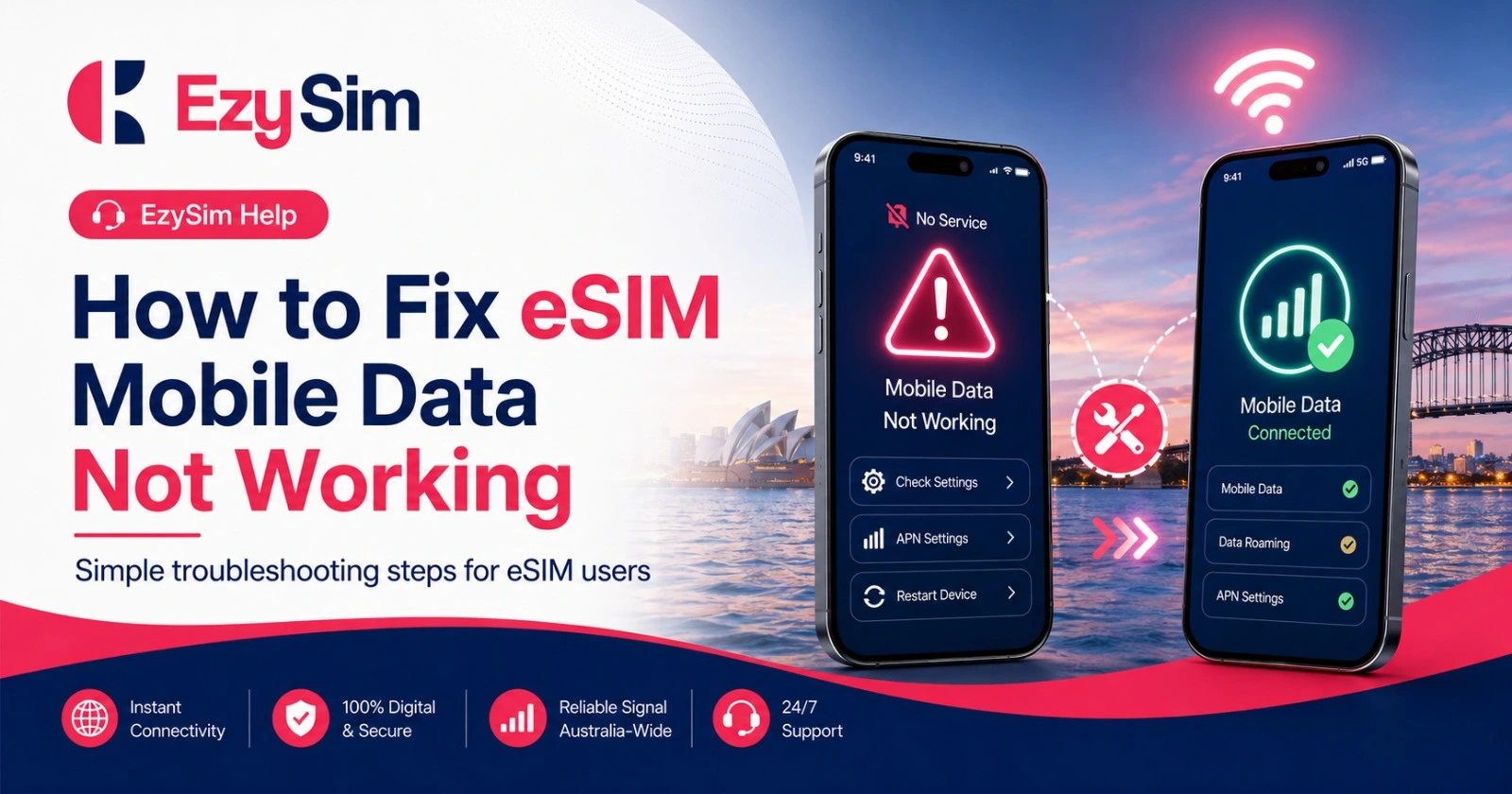
If your eSIM is installed but mobile data is not working, the issue is often related to settings, activation status, signal, APN configuration, or device compatibility.
Step 1: Restart your phone
Restarting your phone can refresh the mobile connection and help the device register correctly on the network.
Step 2: Check mobile data settings
Make sure mobile data is turned on and that your EzySim eSIM is selected as the SIM for mobile data. If you use dual SIM, your phone may be using the wrong SIM for data.
Step 3: Confirm your plan is active
Log in to your account or check your activation status to confirm that your plan is active and has data available.
Step 4: Check APN settings
Incorrect APN settings can stop mobile data from working. Check the EzySim support instructions or contact support for the correct APN details.
Step 5: Check compatibility and signal
Confirm that your phone is unlocked and supports the required 4G or 5G network bands. Move to another location to test if signal strength improves.
Final thoughts
Most eSIM data problems can be fixed by checking activation, mobile data selection, APN settings, and device compatibility.
Frequently Asked Questions
Why is my eSIM showing signal but no data?
The plan may not be active, mobile data may be assigned to the wrong SIM, or APN settings may need correction.
Should I delete my eSIM and reinstall it?
Do not delete your eSIM unless support instructs you to do so, because some eSIM profiles cannot be reused after deletion.
Ready to choose a prepaid SIM or eSIM plan?
Explore EzySim prepaid mobile plans and choose an option that matches your data, validity, calling, and travel needs.